

Digital invoicing software has become one of the most essential tools for businesses operating in a fast-paced, technology-driven environment. As organizations increasingly shift toward digital operations, traditional billing methods are no longer adequate to support accuracy, speed, and efficiency.
This article explains the meaning of digital invoicing, highlights its most important features, provides trusted software recommendations and outlines the major benefits companies can gain from implementing a reliable invoicing system.
Definition of Digital Invoicing Software
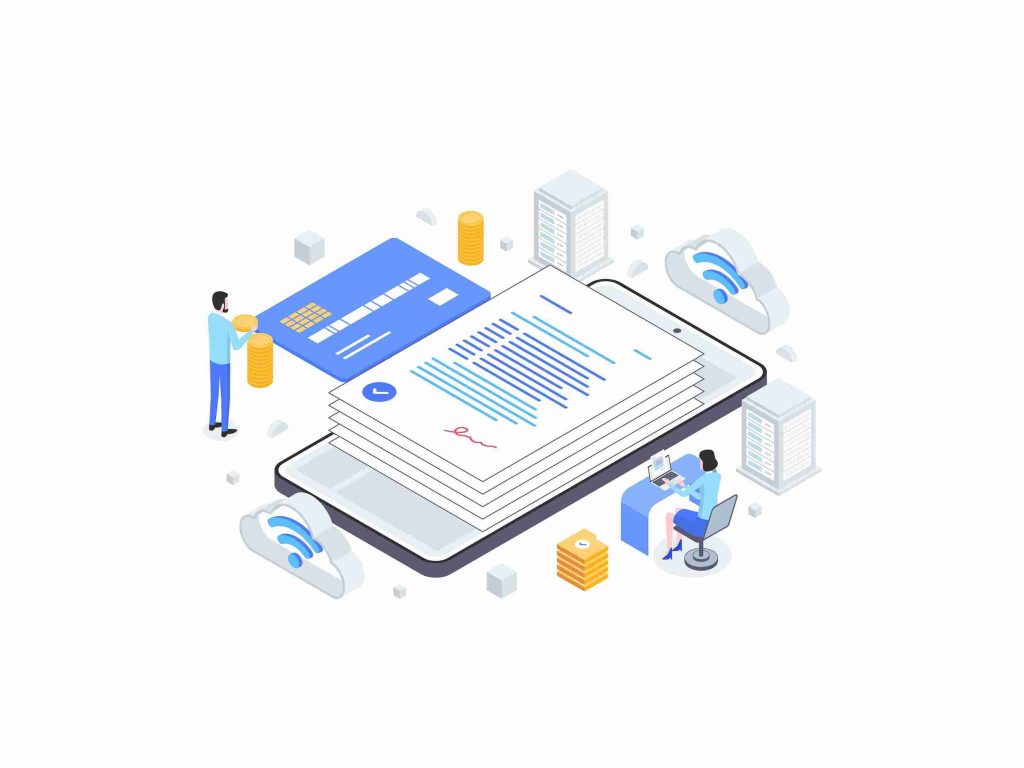
Digital invoicing software refers to a technology-based system designed to create, send, manage, and store invoices digitally. Instead of relying on manual processes or paper-based documents, businesses can now leverage digital platforms to handle administrative and financial tasks more efficiently.
In practice, digital invoicing transforms traditional invoice creation into an automated workflow. Users simply input client details, product or service information, pricing, and payment terms, and the software instantly generates a professional invoice. This allows businesses to eliminate repetitive tasks, minimize human error, and maintain higher accuracy in financial reporting.
The growing popularity of digital invoicing software is driven by the need for faster operations, improved security, and better data accessibility. Many industries now consider digital invoicing a standard practice because it enhances transparency and simplifies financial management. Companies can easily conduct audits, analyze revenue streams, and track financial trends using centralized digital data.
Ultimately, digital invoicing is not just about sending invoices online, it creates a complete digital ecosystem that improves the efficiency and accuracy of financial workflows within an organization.
Key Features of Digital Invoicing Software
Every digital invoicing software offers a range of features depending on the platform, but several core capabilities have become essential in supporting modern billing operations. These features demonstrate how deeply digital systems can enhance and streamline the entire invoicing process.
a. Automated Invoice Creation
This feature allows users to generate invoices with minimal manual input. Client details, pricing structures, taxes, and discounts can be saved in the system, making future invoice creation faster and more accurate. Automation eliminates calculation errors and ensures that each digital invoice is consistent and professionally formatted.
b. Customizable Templates
Most digital invoicing platforms provide customizable templates that reflect a company’s branding. Businesses can include logos, colors, signatures, and personalized messages. This creates a professional impression and standardizes the look of all digital invoicing documents sent to clients.
c. Automated Payment Reminders
Late payments are a common challenge for businesses. Automated reminders help notify clients before and after due dates. This improves cash flow and reduces the need for manual follow-ups, allowing businesses to manage outstanding invoices more efficiently.
d. Integration With Online Payment Methods
A strong advantage of digital invoicing software is its ability to integrate with a wide range of payment gateways. Payments can be completed through credit cards, bank transfers, or digital wallet services. This level of convenience speeds up the payment cycle significantly.
e. Cloud-Based Storage and Archiving
Digital storage allows businesses to access invoice records anytime and from any device. Cloud-based archiving improves security, ensures data is backed up, and eliminates the risks associated with physical document storage.
f. Real-Time Invoice Tracking
With digital systems, businesses can see whether an invoice has been received, viewed, or paid. Real-time tracking provides clarity and makes it easier to follow up when necessary. It also gives businesses insight into client payment habits.
g. Financial Reporting and Analytics
Many platforms include built-in reporting tools that analyze revenue, payment patterns, and outstanding balances. These analytics help businesses make informed decisions and provide a clearer picture of overall financial health.
h. Multi-Currency and Multi-Language Support
For companies working internationally, support for multiple currencies and languages is essential. Digital invoicing platforms that offer these capabilities allow businesses to operate globally without added administrative complexity.
These features highlight why digital invoicing software is so valuable. It not only automates routine tasks but also improves accuracy, security and business productivity.
6 Best Digital Invoicing Software
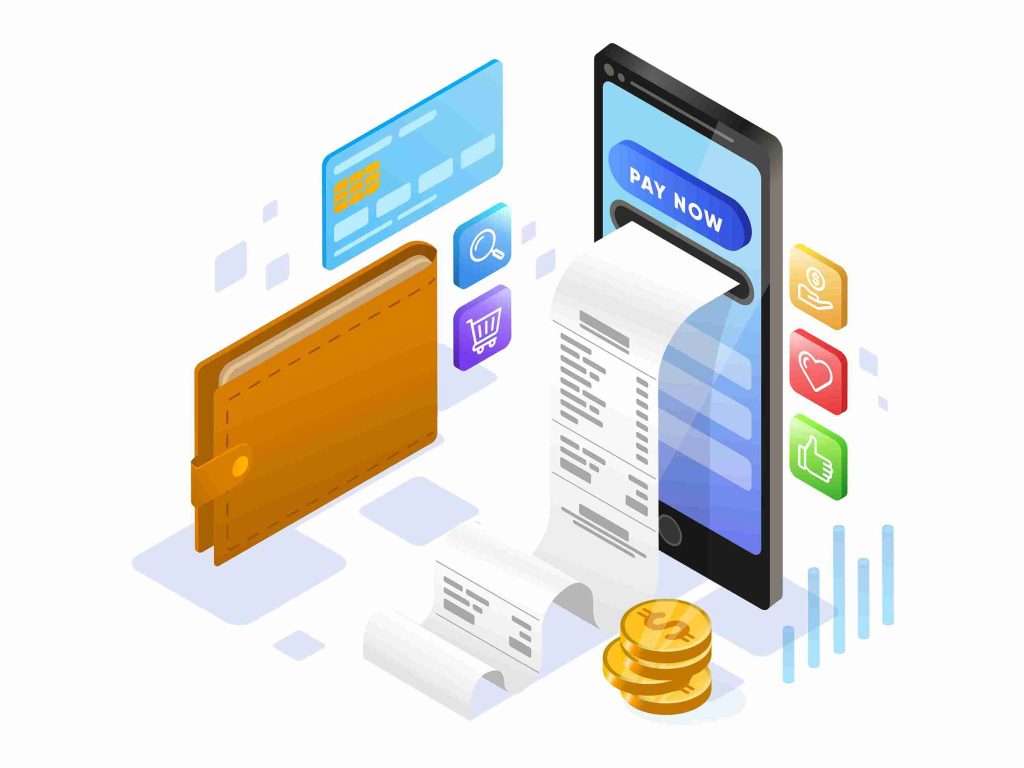
Choosing the right platform can significantly improve financial workflows. Below are trusted recommendations for digital invoicing software widely used by freelancers, small businesses, and large companies. Each option provides unique strengths, allowing organizations to choose the tool that best fits their operational needs.
1. FreshBooks
FreshBooks is known for its user-friendly interface and practical invoicing tools. It offers quick invoice creation, time tracking, and a variety of integrations. Its simplicity makes it popular among freelancers and small business owners.
2. QuickBooks Online
QuickBooks is one of the most comprehensive platforms for accounting and invoicing. It includes automated invoice creation, expense tracking, and advanced financial reporting. It is ideal for small to medium-sized businesses that require robust accounting features.
3. Zoho Invoice
Zoho Invoice provides professional templates, automated reminders, and integration with other Zoho products. It is cost-effective and a suitable choice for businesses already using the Zoho ecosystem or those seeking affordability without sacrificing functionality.
4. Xero
Xero is a cloud-based software solution widely used for accounting, invoicing, payroll, and bank reconciliation. Its collaborative features allow teams to work together in real time, making it a strong option for distributed or remote teams.
5. Wave
Wave is a free digital invoicing platform designed for small businesses and startups. Despite being free, it offers essential features such as invoice creation, payment tracking, and basic financial reporting.
6. Invoice Ninja
Invoice Ninja offers a wide range of templates, client management tools, and integrations. It also includes an open-source version, making it ideal for businesses that need customization and flexibility.
These recommendations provide a balanced overview of the best digital invoicing software options available today, each offering advantages that can meet different business requirements.
Benefits of Using Digital Invoicing Software
Adopting digital invoicing software provides a wide range of benefits that significantly improve business operations. Below are the key advantages that highlight why digital invoicing has become a preferred method for modern organizations.
a. Faster and More Efficient Processes
Digital invoicing reduces the time required to create and send invoices. Automated workflows eliminate repetitive tasks, allowing employees to focus on more strategic responsibilities. This leads to improved productivity across the organization.
b. Minimized Human Errors
Manual invoicing is prone to data entry mistakes. With digital invoicing software, calculations such as taxes, discounts, and subtotals are automatically processed, improving accuracy and reducing the likelihood of financial discrepancies.
c. Improved Cash Flow
Faster invoice delivery means faster payments. Automated reminders, integration with online payment systems, and real-time tracking help ensure clients pay on time, resulting in more stable cash flow.
d. Enhanced Transparency and Control
Digital systems centralize all invoicing data, allowing businesses to easily track payments, monitor outstanding invoices, and identify clients who frequently pay late. This level of control is difficult to achieve with manual billing.
e. Stronger Data Security
Cloud-based systems typically include encryption, secure backups, and access controls to protect sensitive financial information. Digital storage reduces risks such as document loss, physical damage, or unauthorized access.
f. Lower Operational Costs
Shifting to digital invoicing reduces expenses related to paper, printing, postage, and administrative labor. Over time, these savings can be significant, particularly for businesses with high invoicing volumes.
g. More Professional Brand Image
Customizable templates allow companies to send polished, consistent invoices that reflect brand identity. This builds trust and communicates professionalism to clients.
h. Scalability for Business Growth
As a company grows, the volume of invoices also increases. Digital invoicing software scales effortlessly to handle added clients, additional users, and larger transaction volumes without compromising efficiency.
Conclusion
Digital invoicing software provides a transformative advantage for businesses seeking accuracy, efficiency, and modern financial management. Through powerful features such as automated invoice creation, customizable templates, payment integrations, cloud-based storage, and real-time tracking, digital invoicing helps organizations streamline operations and maintain better control over their finances.
With a variety of trusted software options available, including FreshBooks and Xero, businesses can choose the solution that best aligns with their needs. The benefits of digital invoicing extend far beyond convenience, as they contribute to improved cash flow, stronger security, cost savings, and a more professional business presence.
In an increasingly digital business environment, adopting reliable invoicing software is not simply an upgrade but a strategic move that supports long-term growth and overall operational excellence.
